| Support Category: Performance | Performance Reviews |
| Specialist Notes: |
National Staff can access the Performance Reviews by clicking the ‘GO TO PERFORMANCE’ button from the welcome page, and then clicking the ‘Reviews’ button/link. Or they can view it via the Performance Snapshot by clicking the button from the homepage as well.
IMPORTANT! |
WHAT SHOULD YOU KNOW? The Year End Review 2025 is set to be assigned to full-time National Staff (the hire date cut-off was not provided yet) on 10/21/25. In addition to the steps shown in the SR, the users can access it by going to their Actions page. Managers were assigned to their own Year End Review as well as the Manager Year End Review. Note: If you’re assisting a Manager with navigating their Reviews, please provide them with the link to the Manager’s Playbook. |
HOW SHOULD WE ASSIST?
|
| Standard Response: |
Kindly note that you can access your Reviews by clicking the ‘GO TO PERFORMANCE’ button on the welcome page, then clicking the ‘Reviews’ button. You’ll be able to view any reviews that have been assigned to you there.
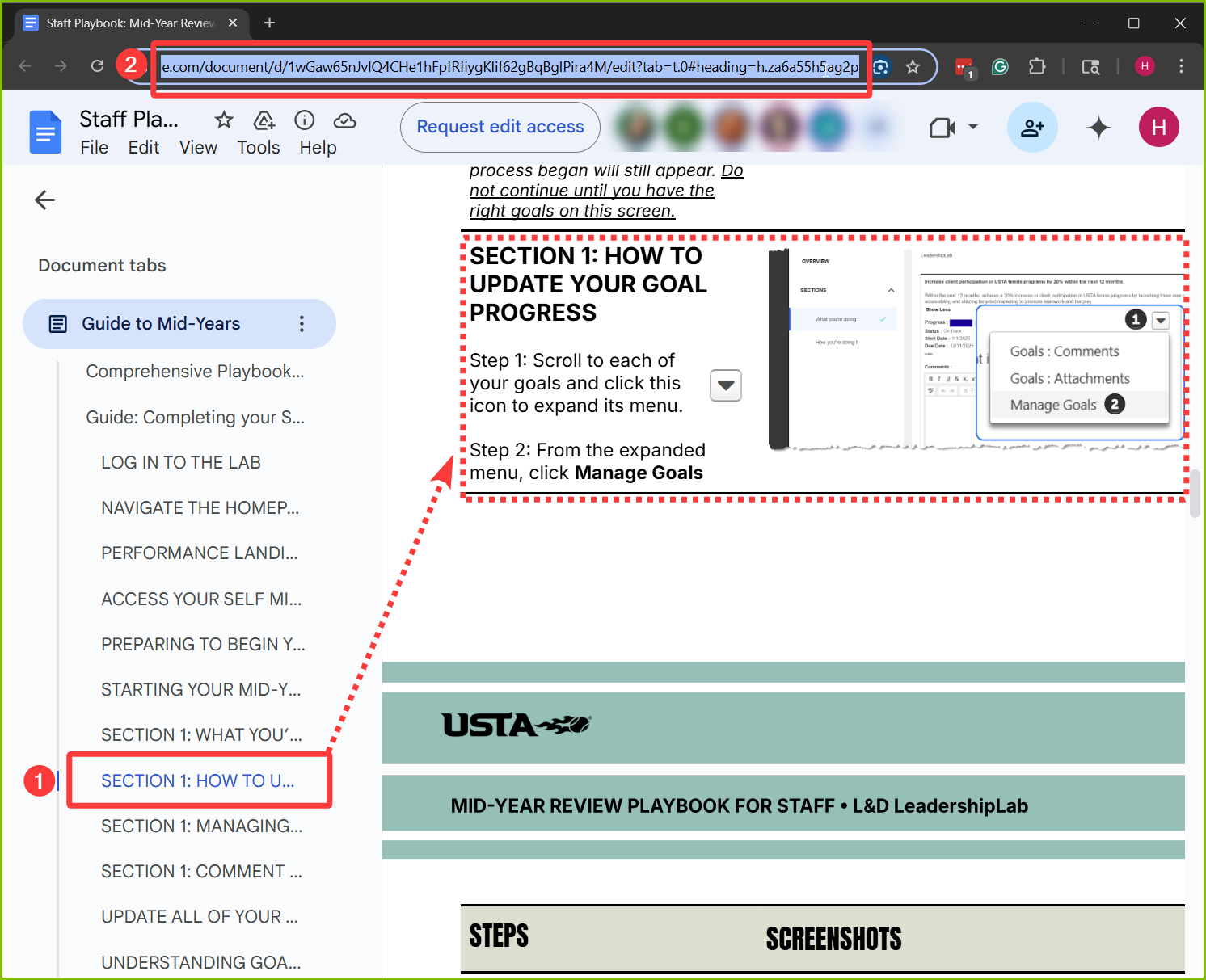
Here’s a link to the Playbook, which provides guidance on navigating your Review: https://docs.google.com/document/d/1IMlI35wxX6eXCgpS8BTfwe9sQaBybe1sw40RyC59CX8/edit?tab=t.0
Let me know if you need further assistance.
